

Rewriting proxy
A viewer adds the tuner by host:port like any other HDHomeRun. No routing, no NAT rules on their side.
 Your HDHomeRun
 Yagi
Yagi Plex
Plex Jellyfin
 Emby
Emby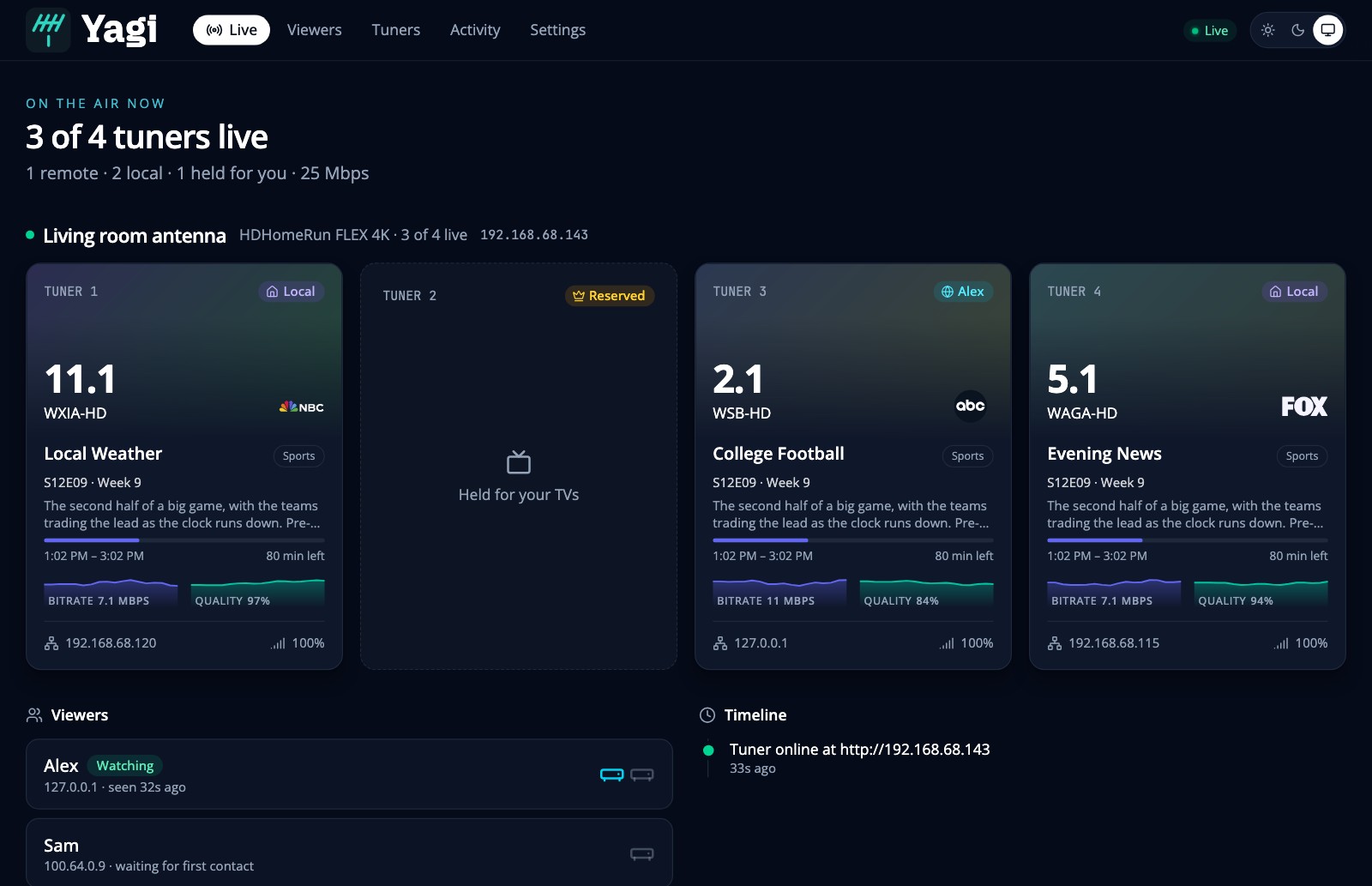
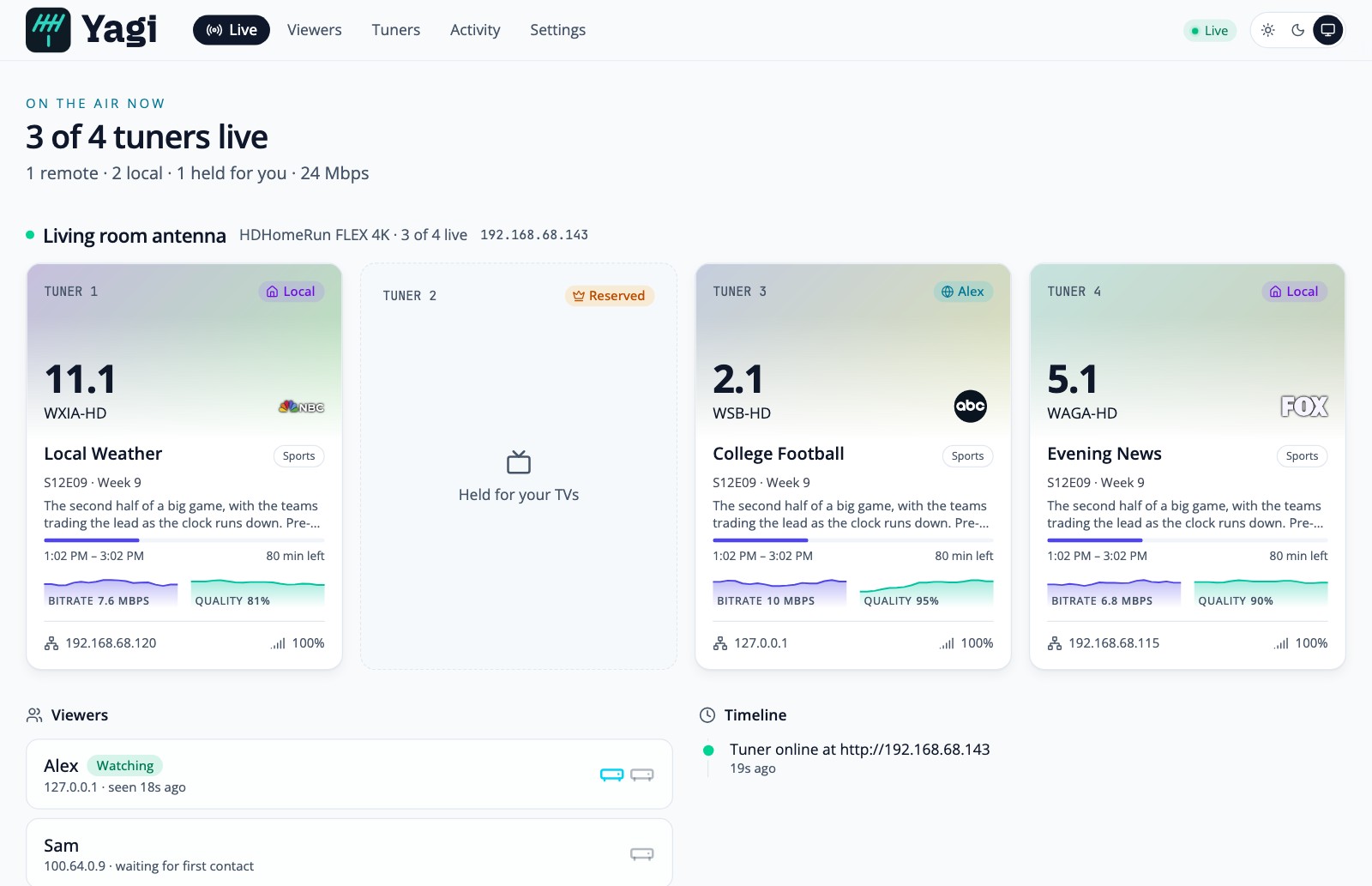
An HDHomeRun’s lineup.json hands out the tuner’s own address on your network, so a media server anywhere else can’t use it without firewall tricks on both ends. Yagi sits in front of the tuner and rewrites that address, so the media servers of your family and friends only ever talk to Yagi. It also decides who may use the tuner, and how much of it.
Rewriting proxy
A viewer adds the tuner by host:port like any other HDHomeRun. No routing, no NAT rules on their side.
Follows the tuner
Finds it by DeviceID, so a new address from your router breaks nothing. It lists the tuners it sees, but never adds one by itself.
Limits
An allowlist, tuners per viewer, a cap on everyone together, and tuners always kept free for you. Over the limit, a viewer gets the same 503 a busy tuner gives.
A modern page for the tuner
Channels, scanning, what the tuner says about itself, restarting, firmware: what you open the tuner’s own page for, and more. Light and dark, and a phone layout.
Live, and what happened
Who is watching what, bitrate and signal right now, and a history of the last 30 days, with a page for each viewer and a log.
Allow whoever asks
A friend adds Yagi in their media server and shows up on the Viewers page. Press Allow and give them a limit. You never look up an address.
Its own Tailscale
The -tailscale image joins your tailnet as its own device. Share that one device and nothing is opened on your router.
Tells you
Firmware news (installed only when you press Install), and optional messages to ntfy, Pushover or a webhook when a tuner goes offline or a viewer is turned away.
On the machine that can reach your tuner:
docker pull ghcr.io/johnschult/yagi:latestThen copy docker-compose.example.yml next to your yagi.json and run docker compose up -d. Images are published for amd64 and arm64.
macOS or Linux:
brew install johnschult/tap/yagibrew services start yagiLinux or macOS. It checks the download against the release’s checksums (and its signature, if you have cosign) before it installs anything:
curl -fsSL https://github.com/johnschult/yagi/releases/latest/download/install.sh | shIt is plain shell, so read it first if you like.
Then open the setup link Yagi writes to its log to become the admin, add your tuner from the list the page shows, and add a viewer. Getting started walks through every step.